Access control vs keys is mainly a choice about who needs entry and how often that changes. Traditional keys suit a small business with a few stable key holders. Access control is a better fit when you need individual permissions, access schedules, or entry records. A mixed setup can keep simple doors mechanical and add electronic control where it helps.
Compare the tasks you'll handle
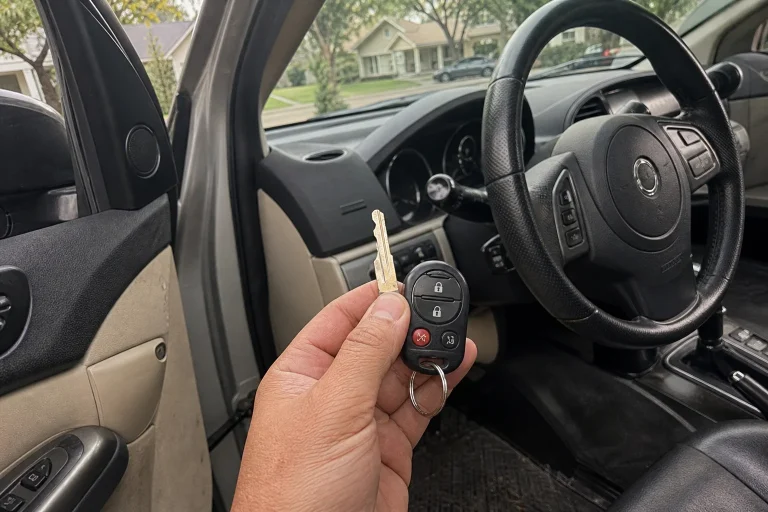
A physical key lets its holder operate a matching lock. An electronic access system checks a credential, such as a card or mobile credential, against permissions you've set. The useful difference is how you manage entry afterward. Features vary, so compare the proposed system rather than assuming every electronic lock offers the same controls.
| Your task | Traditional keys | Access control with the needed features |
|---|---|---|
| Remove a person's access | Recover the key. Rekey affected locks if old copies must stop working. | Deactivate that person's unique credential without changing everyone else's access. |
| Limit entry hours | The key itself doesn't limit use to certain hours. | Set allowed days and times through supported scheduling controls. |
| Review entry activity | A basic mechanical lock doesn't create an entry record. | Review recorded credential events if logging is included and enabled. |
| Keep control over time | Maintain locks and an accurate list of issued keys. | Maintain door hardware, credentials, and the system used to manage permissions. |
Choose by door, not just by business size
A small team can have complex access needs. Cleaners, vendors, and part-time workers may use a door on different schedules. A larger team may still have rooms that only a few people need to open. Head count alone doesn't settle the choice.
Keeping keys can make sense when key holders rarely change, everyone needs similar hours, and you don't need entry records. Don't replace a workable setup just to remove keys from a pocket.
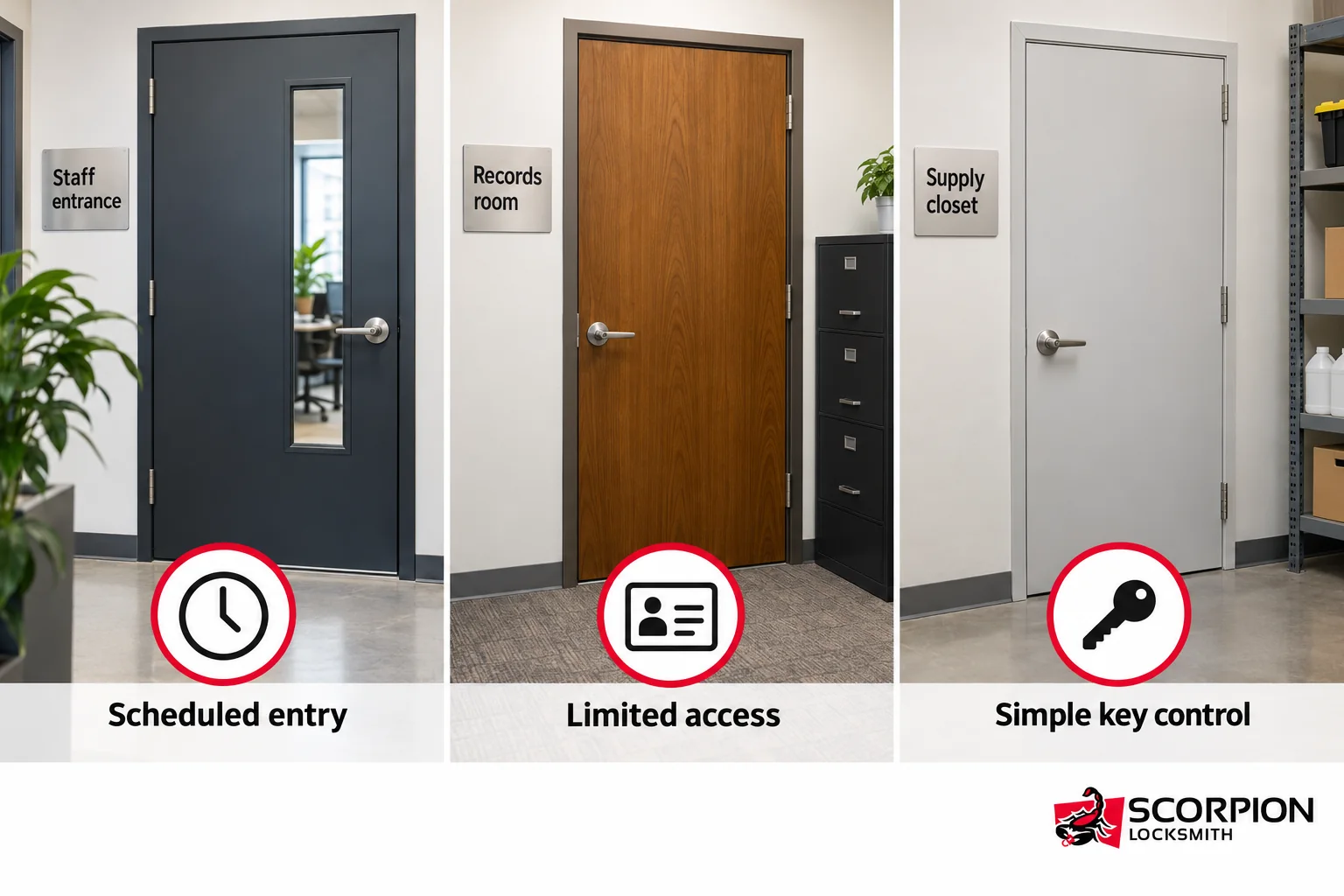
A mixed setup lets each door serve a different need. A staff entrance might need scheduled entry. A records room might need access limited to named people. A supply closet with few key holders might stay mechanical. These are planning choices, not rules for every business.
Access control also isn't automatically more secure. The door, frame, locking hardware, and permission settings still need to work together. Adding a reader doesn't fix a damaged door or a latch that won't catch.
Prepare a door list before choosing equipment
Start with the work the system must do. A door list gives the installer a useful starting point and helps you avoid paying for features you won't use.
-
List each door under review and what room or area it serves.
-
Identify who needs entry, including employees, cleaners, vendors, and managers.
-
Note required days and hours, plus any need for temporary access.
-
Count issued keys and mark any holders or copies you can't account for.
-
Record known door problems and existing equipment, including alarms and electronic locks.
-
Name the person who'll manage permissions and a backup who can cover absences.
You don't need to guess which equipment will fit. Door hardware, power, wiring, and any required fire-alarm connection need review before a product choice. Existing equipment isn't proof that a new system will work with it.
Scorpion Locksmith's commercial access control service includes site surveys, configuration, testing, and admin training. Use the survey to turn your door list into a defined scope of work rather than choosing the same device for every opening.
Keep safe exit separate from entry permissions
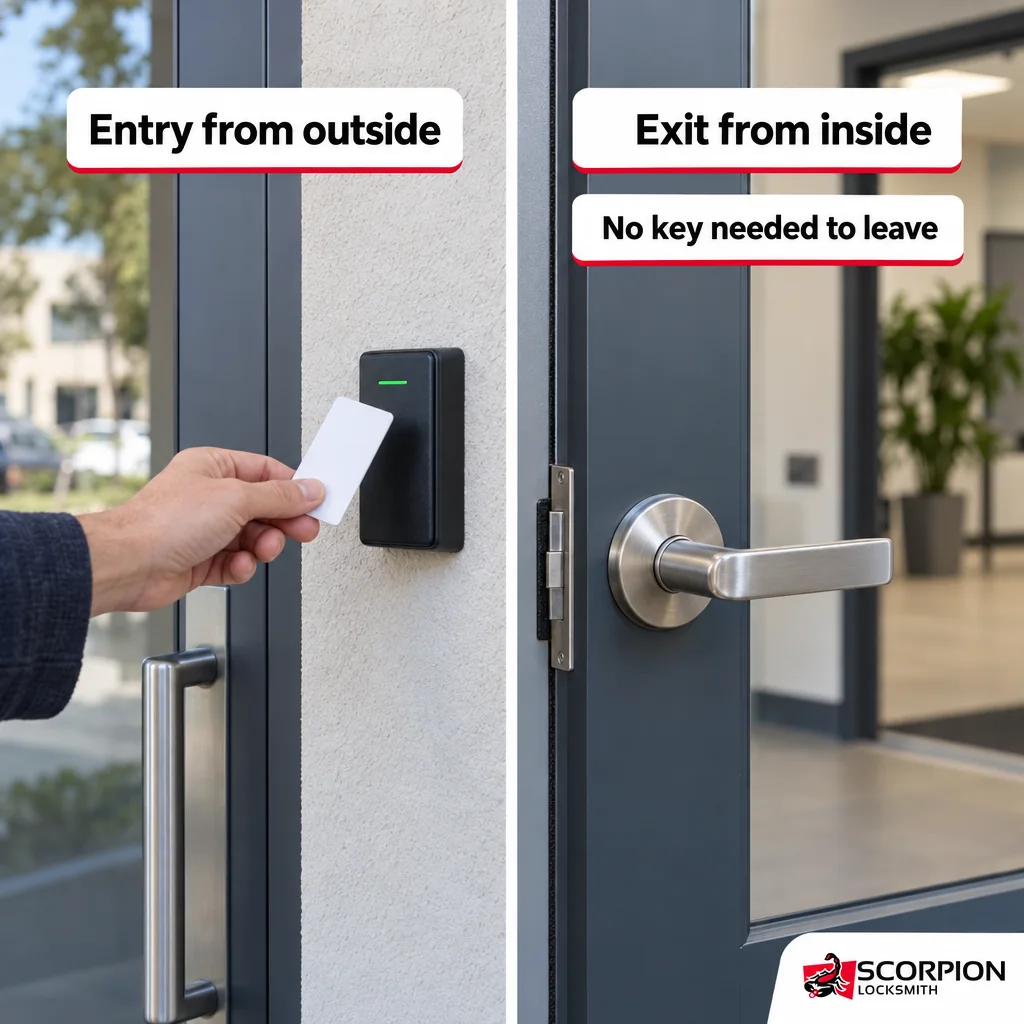
Restricting entry mustn't trap people inside. For ordinary workplaces, OSHA's exit-route rules require exit doors to open from inside without keys, tools, or special knowledge. An employee shouldn't need a working entry credential to leave through a required exit.
For Houston-area work, the reviewing authority depends on the exact address. The City of Houston, Harris County, or another authority may review the project. Resolve that before equipment selection so the plan follows the requirements that apply to your site.
For projects under its review, the Harris County access-control permit page calls for commercial electronic locking systems to allow exit and unlock on smoke detection, sprinkler waterflow, a manual pull, or power failure. Don't treat an electronic lock's product description as proof that the finished installation meets those requirements.
Compare total costs without guessing a price
Compare proposals for the same doors and the same required functions. Otherwise, a lower total may simply leave out part of the work you need.
For electronic access, look for clear charges for door work, equipment, wiring, setup, testing, and training. Have any ongoing software, support, or subscription charges spelled out, if they apply. Don't assume replacement credentials or future changes are included.
For a key-based plan, include any lock work needed to regain control of unaccounted-for keys. Neither option is automatically cheaper over time. The useful comparison is the full scope and the work you'll need to keep it effective.
Questions owners ask before switching
For help planning business entry in Houston, call Scorpion Locksmith at (281) 623-1517 to discuss commercial access control and arrange a site survey. Share your door list and the access changes you want so the review starts with your needs.